
Unofficial Nintendo 3DS port · Classic 1.4.3
The Baldi's Basics Classic you know, on your 3DS
Install it with the QR code
- Open FBI on your 3DS.
- Go to Remote Install → Scan QR Code.
- Point the camera at this code and confirm the install.
- Go back to the HOME Menu: Baldi will be waiting for you.
QR link: github.com/mgWTF/baldi-3ds-port/releases/latest/download/baldi3ds.cia
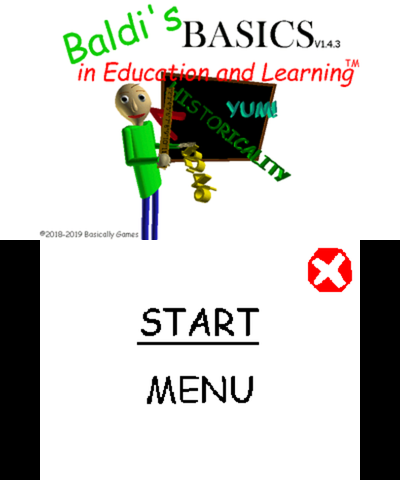
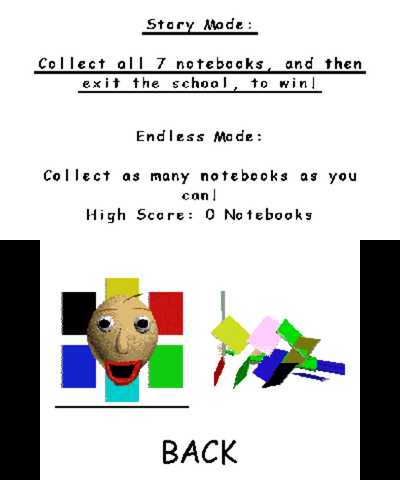
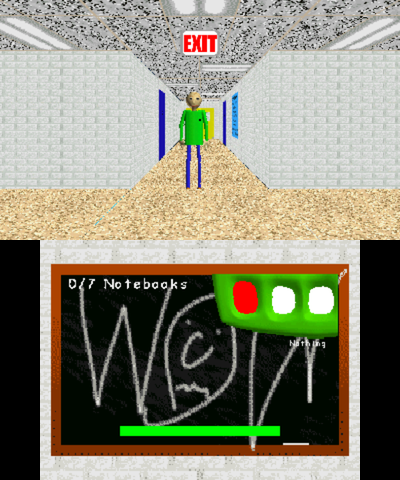
Screenshots
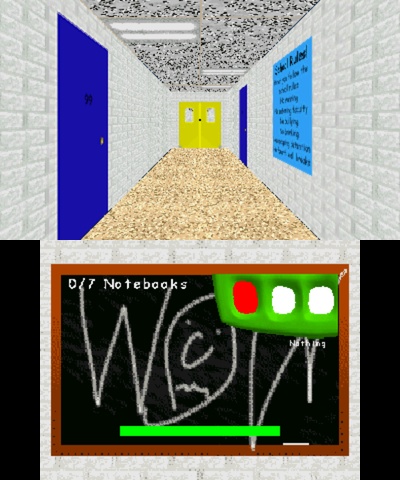
Installation
CIA (recommended)
- Scan the QR code with FBI, or download the CIA, copy it to your SD card and install it with FBI.
- It shows up on the HOME Menu with its own 3D banner and sound.
.3dsx
- Download the .3dsx.
- Copy it to the
/3ds/folder on your SD card. - Launch it from the Homebrew Launcher.
You need: a 3DS with custom firmware (Luma3DS). For sound, your console needs
sdmc:/3ds/dspfirm.cdc: dump it once with the DSP1 app. Without it the game still runs, just silently.
Verify your download
The only official files are the ones on this project's GitHub Releases page. If you got the game anywhere else, check that its SHA-256 matches:
baldi3ds.cia31.1 MB | b703d0bed30710f4d769f0b9e45c0ae26c9a01250b66aa71549bb189f132a698 |
baldi3ds.3dsx46.7 MB | 701fe48f0fd38bf1cfac95af65252a0acf80def27c57f17cce80baa1327473ad |
How to check
| Windows | Get-FileHash baldi3ds.cia (PowerShell) |
| macOS | shasum -a 256 baldi3ds.cia |
| Linux | sha256sum baldi3ds.cia |
The release also includes SHA256SUMS.txt: next to the downloaded files,
sha256sum -c SHA256SUMS.txt checks both at once. If the hash doesn't match, don't install it.
Controls
In the school
| ○ Circle Pad | Move |
| ✚ ↑ ↓ | Walk forward / back |
| L R | Turn |
| B | Run (hold) |
| Y | Look behind (hold) |
| A | Interact · jump rope |
| X | Use item |
| ✚ ← → | Change item slot |
| START | Pause |
Notebook, pause and menus
| Notebook | Touch the keys, or A OK · B clear · X − · Y 0 |
| Pause | Y quit · B keep playing |
| Menus | Touch, Circle Pad cursor + A, or D-Pad + A · B back |
| New 3DS | ZR run · ZL look behind · C-Stick turn |
You can also check them in-game under Menu → Controls.